Associating an annotation with a Data Category
![[Note]](images/note_1855015319.png) | Note |
|---|---|
This functionality is currently out of order, please see the note at the section called “Data categories” |
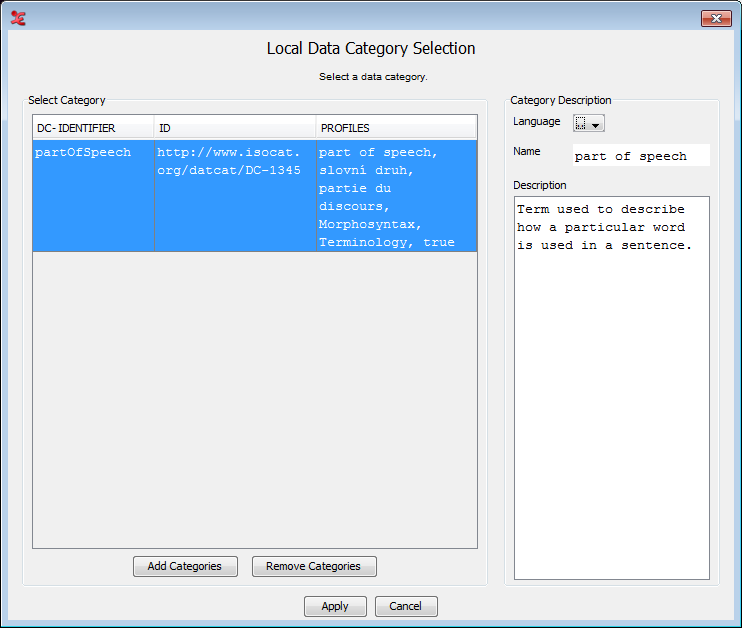
In ELAN it is possible to associate an individual annotation with a data category of the ISO Data Category Repository (DCR). To do so first select an annotation. Then click in the main menu of ELAN and select (alternatively press ALT+SHIFT+M). In the next window (Figure 291, “Local Data Category Selection: Annotation”), select a data category from the list and click on to associate the selected data category to the annotation.
Figure 291. Local Data Category Selection: Annotation
 |
More information about the ISO DCR and how to use it can be found in the section called “Data categories”.